Showing posts with label eBooks. Show all posts

How to Write a Personal Recount...

In the holidays I had lots of fun creating my first eBook using iBooks Author.  I entered my ebook 'How to Write a Personal Recount,' into the Cyclone Computers Competition in New Zealand.  I submitted my eBook into the Teacher category, K - 6, and was excited when I heard I got first place in my category.

I've put my book on the iBookstore, and it's FREE!  I had no other option, as I'm in New Zealand.

Overall, I found iBooks author easy to use and anything I wasn't sure of I googled to find the answers or used the help section, in iBooks Author.

I did some background reading on iBooks Author before I started to construct my ebook.  The main thing I needed to know was what size was the maximum an eBook could be (which is 2GB).  I wanted to add video snippets and at the start I wasn't sure how much MB this would use.

I found some useful links:
100 page Guide to Publishing with iBooks Author
iBooks Author Publishing your first eBook
25 iBooks Author Tutorials from DIY Journo

I think I spent about twelve hours planning my eBook.  I wanted to create an eBook that teacher's could use with children that was visually rich.  I added video snippets to support the concepts covered and used a variety of widgets.

I used a good quality camera to take a range of photos of the two stars of my eBook, Miss Poppy and Crazy.

I developed the analogy of using a hamburger to help children learn the structure of writing a personal recount about seven years ago.  I've used this in the classroom and it provides children with a visual prompt to construct their recount, like have you written the top of the hamburger bun...the Setting?
Chapter one of my eBook deals with the personal recount structure.

Once children are confident with the recount structure I move on to talking about how to make their hamburger really delicious, so the reader wants to keep munching their way through their recount, (Chapter 2 Personal Recount: The Language).

Snapshot taken from a page in my iBook 'How to Write a Personal Recount.'


Don't Climb Out of the Window Tonight


I've always loved the book 'Don't climb out of the Window Tonight,' written by Richard McGilvray and illustrated by Alan Snow.

The Writing
Don't climb out of the window tonight because....

What a great sentence starter to give children to inspire imaginative writing.

At the start I only showed the children the front cover of the book, as I didn't want this to influence their own ideas.  We talked about what could be outside the window, at night time, that would really want you to just stay in bed.  The children were told that their writing and illustrations would be turned into an ebook and their audience would be other children.

I then modeled how they could play around with a sentence and make it more interesting.  The children also practiced this with some class examples.  One example: a big clown is smelling flowers.  How could we make this more interesting and use strong nouns to help our illustrations?  'A chubby clown is smelling roses,' or 'A giant clown is sniffing roses.'

Once they had three concepts it was time for them to start exploring the sentence they were going to write.  When each child thought they had an interesting sentence they wrote this on a strip of paper.  Each sentence was placed on the whiteboard, so they could be given any feedback to improve their writing.


The Illustrations
It was now time to read the class 'Don't Climb out of the Window Tonight,' to inspire their illustrations.  I wanted the children to really focus on the cross-hatching technique Alan Snow had used to illustrate this picture book.


I used a beginners tutorial from YouTube, on cross hatching, done by HelloArtsy.  Children also used paper to practice their cross hatching skills and also colouring pages.

When the children had finalised their composition each child drew their illustration onto good quality A3 paper.  They also used pencil to put in their cross hatching marks.  They went over the pencil lines with a permanent marker, like a vivid.


The children erased all of their pencil lines and used watercolour pencils to add colour.


Making the ebook
Each child came to school with their pajamas, soft toys, they messed up their hair and had a photo shoot behind a black screen.  I got one child to draw the house, with windows, that would be used to insert two photos of each child into the window.


This page would be used for the sentence Don't climb out of the window tonight because..... then the next two pages would have their sentence and illustration.  This would repeat until the end of the book.


I gave the job of recording the voices to a group of children in the class.  Each child read out their own sentence and each peer read out Don't climb out of the window tonight because...

As you can't insert an ebook into blogger I've uploaded a pdf version to Slideshare, of course you won't be able to hear the children reading their story.

Making an eBook in the Classroom...

Ever wanted to make a ebook with the children in your class?

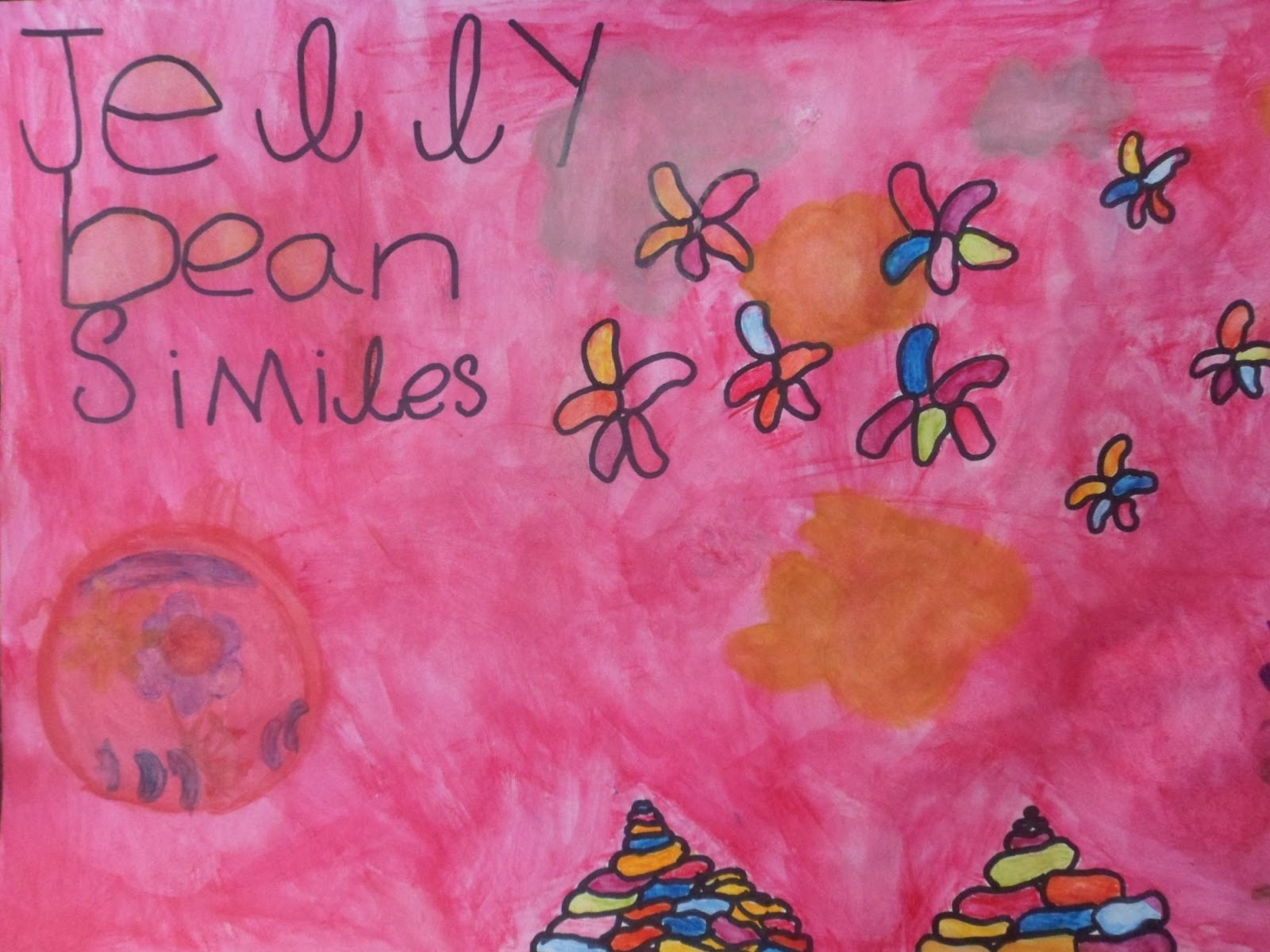
Well, here's the journey I went on.  I thought I'd start with some writing the children had already published in class - jellybean similes.

I went hunting on the internet and found a few ways of making ebooks.

ePubBud lets you create an eBook, convert a .doc into an eBook and you can even pay money and buy an ISBN.

Titatok - run by Barnes and Nobel lets you create your ebook and then order your book to print.

I first thought I'd try Apple's Pages as it lets you create .epub files.  I also found a couple of online tutorials detailing the steps.  Click here to view these tutorials

I tried 'Pages,' and discovered it wasn't going to work if I wanted each child to record their voice, reading their jellybean simile.  I just couldn't add multiple sound files in 'Pages,' as they jumped all over the page (excuse the pun).  I could have just converted a .doc into a pdf, but by doing this I wouldn't be able to have any sound files.  

Well, after experimenting with the above I found the answer right under my nose.... Book Creator, an app for the iPad.  This app does cost US $4.99 or NZ $6.49.

I had already taken digital photos of each child's work, so I just emailed these to my iCloud account.  I then saved them into my Camera roll on my iPad.  The interface on Book Creator is user friendly, so I got a group of children to insert each photo on to each page.  I gave them the responsibility of recording their voices.  This app has a 'Getting Started,' tutorial which shows you the basics.  I think there's lots of fun to be had with Book Creator.


Once your ebook is finished you can send it straight to iBooks (or Stanza as I also have this installed on the iPad), you can email it, or send your ebook to iTunes (ebook or pdf).

When our class ebook was finished I could have emailed the .epub file to parents.  However, I wanted the ebook to be uploaded and to be able to be accessed online.  I had a hard time finding anything on the web that could do this.

I found ePub Bud let you upload an .epub file and by changing the settings you could allow the file to be downloaded.  I did this and sent my parents the url address.  Once uploaded your ebook can also be read in a web browser, however because I had sound files this wasn't going to work.  At the time I didn't know this and emailed the support team to question why this button wasn't working. I got a very quick reply and the technician removed 'view in browser button,' so only the 'download button' was visible.  Click here to see our ebook 'Jellybean Similes.'


Related Posts Plugin for WordPress, Blogger...